
A GPS tracker records where you are many times per second during a match or training session, then turns that trail of positions into numbers: how far you ran, how fast, how often you sprinted. Whether that is worth paying for depends on which of those numbers you need and how much you can trust each one on a budget device. For most players the honest answer is “for some of them, yes, and for others no.”
Affiliate Disclosure: This article contains affiliate links. As an Amazon Associate, I earn from qualifying purchases at no additional cost to you. If you buy through these links, Motionwears may earn a commission. We aim to help readers compare soccer training equipment and make informed purchasing decisions.
Want to see what soccer GPS trackers can measure?
Compare wearable trackers for soccer training and matches before deciding whether one suits your needs.
What a GPS tracker actually measures during a soccer match
A wearable in a vest pocket or a pod between the shoulder blades picks up satellite signals and logs your position over time. Everything else is calculated from that position log. The common outputs are:
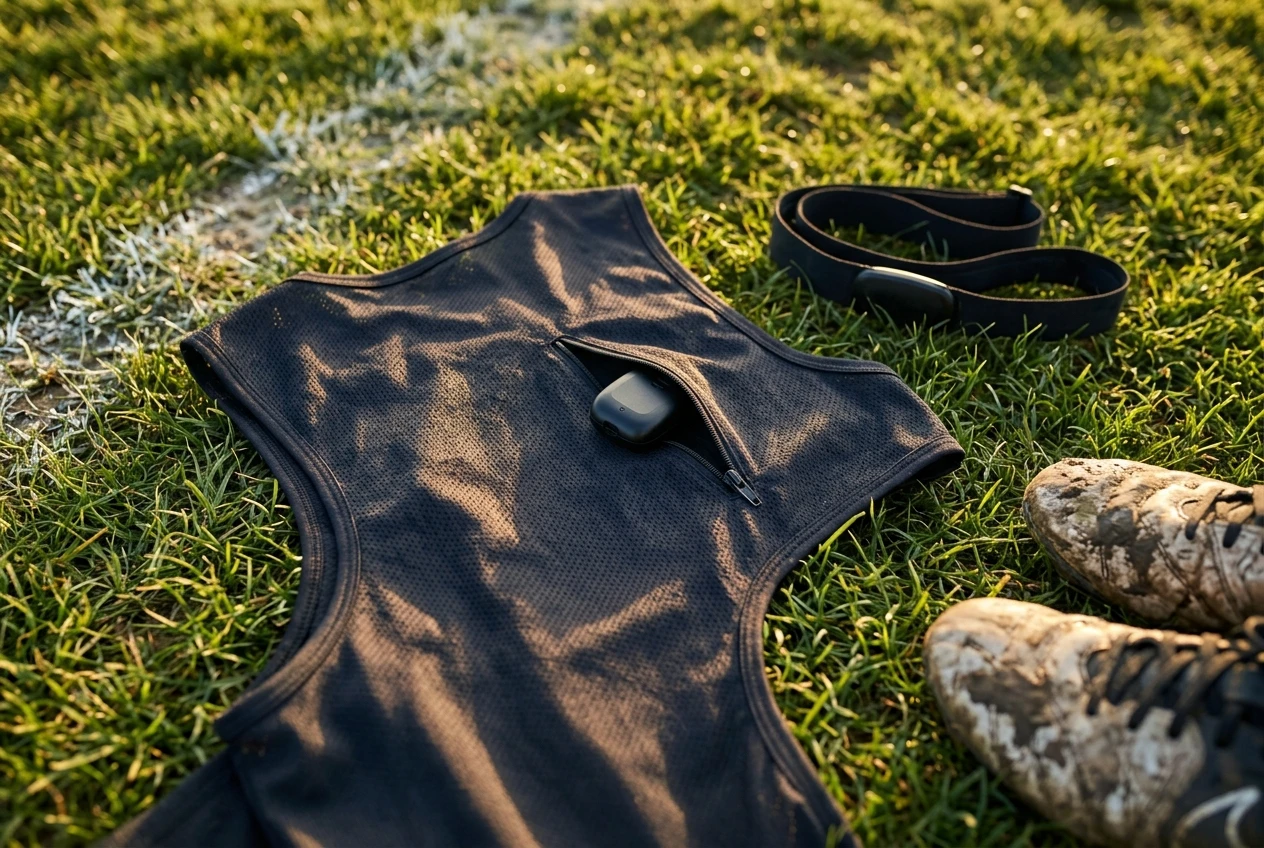
- Total distance covered. Added up from the position log across the session.
- Speed and top speed. Distance moved between readings, divided by time.
- Sprint count. The number of efforts above a speed threshold.
- Acceleration and deceleration counts. Changes in speed between readings.
- Heart rate. Usually from a separate chest strap or the device’s own sensor, not from GPS.
- Workload scores. A single number a brand’s app builds by combining distance, speed and heart rate.
The first three come directly from the position log. The last three involve extra sensors or the app’s own formula, which is where quality starts to vary between devices.
Compare GPS trackers for soccer performance
Check the tracking features, data accuracy claims and app requirements before choosing a device.
👉 View on Amazon https://amzn.to/4jy3ucF
Which numbers you can trust from an entry-level wearable
Distance over a full session is the most dependable number. Small position errors tend to average out over ninety minutes of running, so the total gives a fair picture of how much ground you covered. It is useful for comparing one match with another on the same device.
Top speed is reasonable if you had room to build up to it. A long run down the touchline gives the device a clean stretch to measure. A short burst over ten yards is harder for a cheap unit to capture, and the reading may come out lower than your real peak.
Heart rate is trustworthy when it comes from a chest strap, which reads electrical activity from the heart. Wrist-based optical sensors often lag or drift during hard, stop-start running, so treat their numbers as approximate during intervals and matches.
Sprint counts, accelerations and decelerations are rougher. Each depends on where the brand set its speed threshold, and short efforts are the readings that budget hardware handles worst. If two devices give you different sprint counts for the same match, that does not mean one is broken. They may define a sprint differently.
Workload scores are the least transparent. The formula is the brand’s own, and the number means little outside that app. It can still show a trend, such as a heavy week compared with a light one, but it does not translate into any standard unit.
What professional tracking systems add that a budget device can’t
Professional clubs use higher-grade units, often alongside stadium-based tracking or camera systems. The differences come down to a few things:
- Better position accuracy and faster sampling. More readings per second mean short, sharp movements are captured instead of smoothed over.
- Validated thresholds. Staff define what counts as a high-speed run or a hard acceleration and apply it consistently across a squad.
- Position-specific context. Data is compared by role, so a full-back’s output is judged against what full-backs normally cover.
- Staff to interpret it. Sports scientists and coaches turn raw output into decisions about who trains hard and who rests.
- Squad-wide history. Months of data on the same players show when someone’s load is climbing too fast.
Most of that value comes from the staff and the history, not the sensor alone. A budget device gives you a piece of the data without the analysis around it, so the interpretation falls to you.
The training questions a tracker answers, and the ones it never will
A tracker is good at questions that start with “how much.” Did you run more this month than last? Did your hard sessions leave you covering more ground than your easy ones? Are you reaching high speeds in matches or only in drills? Is a long tournament weekend producing a much higher total than a normal week, which might explain why your legs feel heavy?
It can also answer a few questions about pacing. If your distance drops sharply in the second half, that fits with fading fitness, though it can also mean your team had the ball and you stood in space.
What it cannot tell you is whether you ran well. Distance says nothing about whether your runs were timed to open a passing lane, whether you pressed at the right moment or whether you were in the right place when the ball arrived. A player can cover a lot of ground and contribute little, and a smart player can cover less and decide the match.

It also cannot say whether your technique is improving, why a match went badly or how to fix your first touch under pressure. Those answers come from watching play. If that is your real question, analyzing your own match footage will tell you more than any dashboard.
Who gets real value from a tracker: a three-profile check
Youth players
For younger players, the numbers mostly carry little decision value. Bodies are growing, fitness changes quickly, and what a young player needs most is time with the ball and a good variety of games. A tracker can be fun, and watching a top-speed figure rise can motivate some kids. The risk is that a child, or a parent, starts judging a match by the output on a screen. If a youth player does wear one, keep it to a curiosity and not a scorecard.
Committed amateurs
This group gets the most practical use. An amateur who trains a few times a week, plays weekend matches and has no coach tracking load can use distance and heart rate to see whether the week is balanced. The numbers can show that you are doing a lot of hard running in a row, or almost none, and that is information you would not otherwise have. A mid-range wearable is plenty for this.
Serious club players
Players in competitive clubs, especially those chasing a higher level, may get value from the finer details: sprint exposure, repeated high-speed efforts, how the second half compares with the first. They are also the group most likely to notice where a budget device’s limits start. If your club already tracks load, ask for your own numbers before buying anything. If it does not, a better device is justified only if you will act on the output.
How to test a tracker cheaply before committing
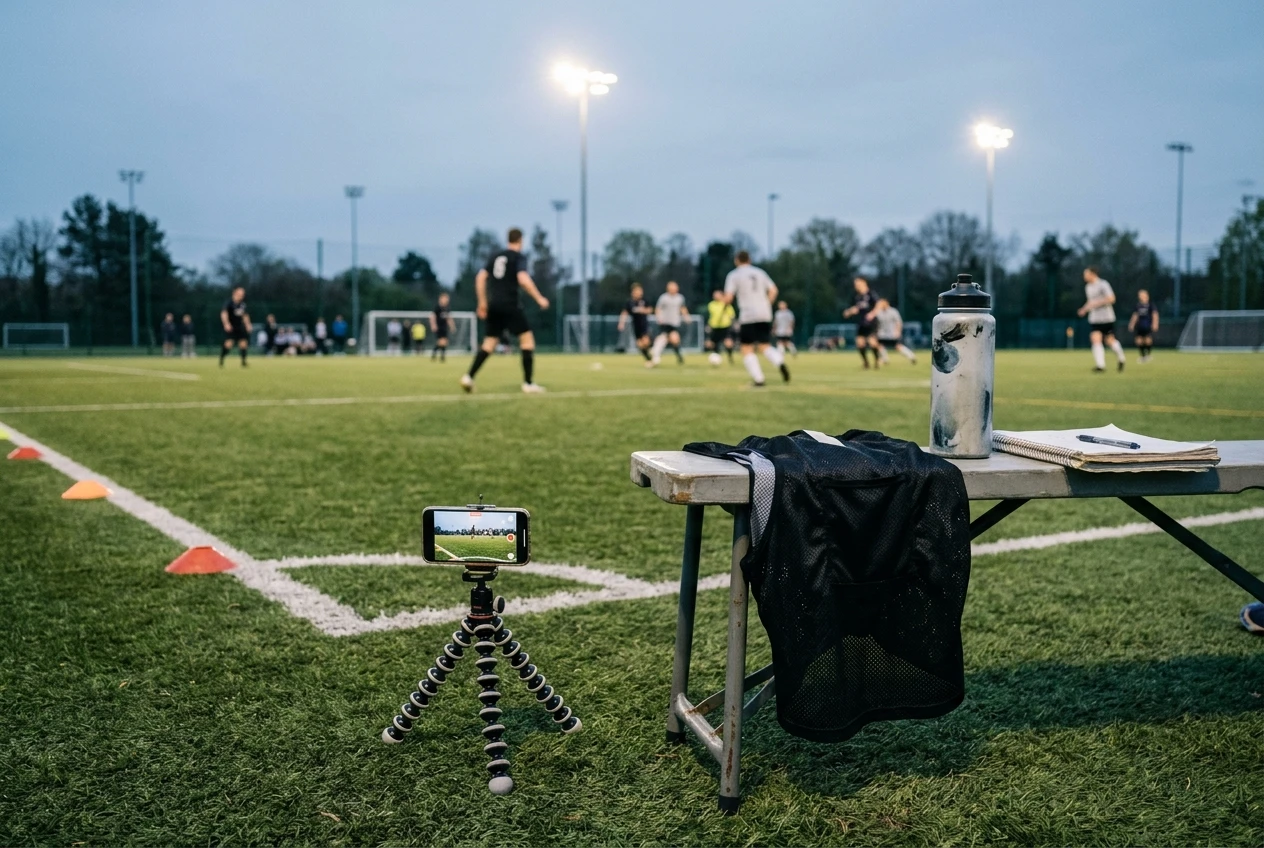
Spend as little as possible to find out whether the data changes your behavior.
- Borrow one. A teammate, a club or a friend’s team may have a unit they are not using. A couple of weeks of wearing someone else’s tracker tells you quickly whether you look at the numbers or forget about them.
- Use a trial or a return window. Check the retailer’s return policy before buying, and wear the device for a full match and several training sessions inside that window.
- Compare against your own footage. Film a match, then check the tracker’s story against what you see. If it says you sprinted eight times and the video shows you hardly broke into a run, the thresholds are not measuring what you care about. If the heat map or distance roughly matches your impression, the device is doing its job.
- Compare against a known distance. Run a measured track or a marked pitch lap and see how close the reading is. A device that is far off over a known distance will be worse in the chaos of a match.
- Ask what you would do differently. After two weeks, write down one decision the data changed. If you cannot name one, you probably do not need to own the device.
What to look for in a wearable if you decide to buy
Check these features before comparing brands:
- Battery life. It should comfortably cover a full match plus warm-up and a tournament day, not just one session. Look at what the maker states for GPS mode specifically, as it is usually shorter than standby.
- Vest or pod fit. A pod in a vest sits steadily between the shoulder blades and tends to give cleaner readings than something loose on a wrist. Make sure the vest fits snugly and does not ride up when you run or change direction. A device that moves around records poorly and is annoying to wear.
- Data export. The app should let you export raw or summary data, so you are not locked into one dashboard. Without export, your history stays inside the brand’s app.
- Subscription costs. Some devices need a paid plan to unlock features such as session history or team views. Read what is included in the one-off price and what sits behind a monthly or yearly fee, and add the second figure to the first before judging value.
- Sampling rate and accuracy claims. Look for the stated number of position readings per second. Higher is generally better for short, sharp movements, but compare it with independent reviews and not the box.
- Heart rate source. If heart rate matters to you, check whether it supports a chest strap.
When your money is better spent elsewhere
If your fitness is clearly the weak point and you already know it, a tracker adds measurement to a problem you can solve without it. A structured plan, such as an off-season conditioning phase, will do more than a month of data about a gap you already know about.

If you are always tired or sore, the cost of the device could go toward sleep, food and recovery routines. Recovery gear and habits have their own evidence behind them, and that is worth reading before you buy a gadget.
If your main weakness is decision-making or technique, the money is better used on footage, a coach, a rebounder or more time with the ball. None of those produce a distance figure, but they tackle the things that decide matches.
And if you are a young player who already loves the game, the best use of the budget is probably a good pair of boots, regular games and enough rest. A tracker is worth buying when you have a specific question it can answer and a plan for what you will change once you see the number.